A drawing becomes a competitor
Run, jump and duck through 85 metres.
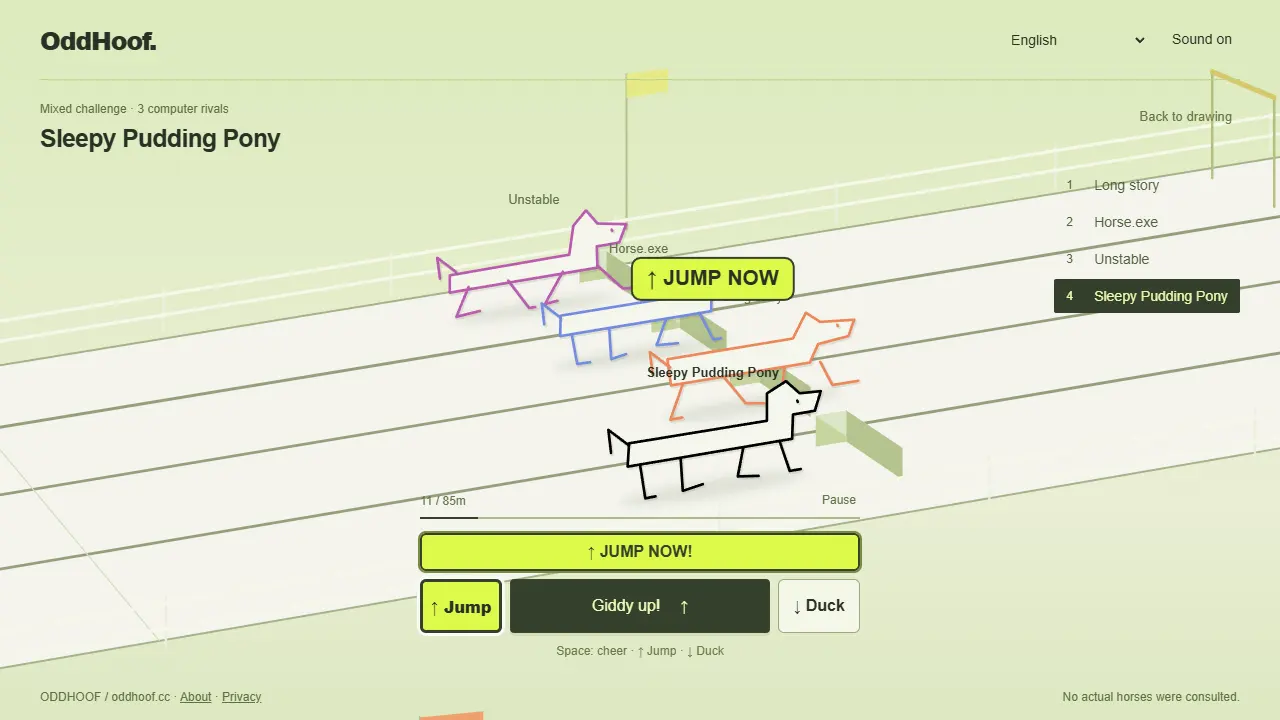
Your drawing races past alternating steps and low bars. Cheer for speed, then make it jump or duck at the right obstacle while its limbs wobble along.
How this event works
- Draw your athlete and choose a name. Select computers or available historical ghosts.
- Press Space or tap Cheer for a small burst. Press Up for a step and Down for a low bar; phones also have on-screen buttons and course swipes.
- A missed obstacle stops your athlete for one second. Finish sooner to climb the leaderboard, or challenge a recorded rival.
One course, two obstacles
Steps and low bars alternate over 85 metres. Press Up to jump a step and Down to duck under a bar. On a phone, use the on-screen buttons or swipe on the racecourse.
A missed obstacle stops your animal for one second. Keep an eye on the next obstacle while cheering for speed. The same base running speed applies to every drawing, so unusual-looking animals have a fair chance.
Quick question
Can I play without a keyboard?
Yes. The mobile race screen has separate cheer, jump and duck controls. The jump and duck cues are kept clear of the animal and operation area.
Play in your browser, with no download or account. Submitted names, drawings and best results may appear on the public leaderboard.